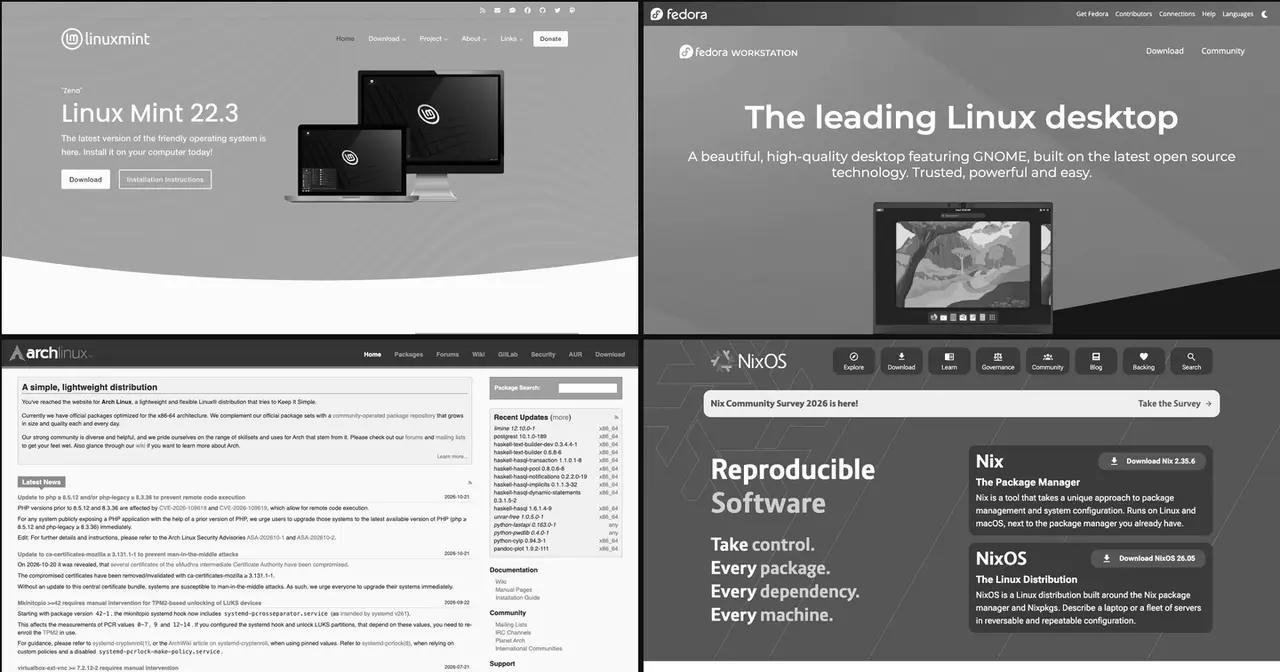
A few days ago we published which distro to choose depending on what you want it for: gaming, programming, reviving an old PC, running a server. This guide looks at the same catalogue from another angle: your level. Because the same distro can be perfect for programming and still a bad start for someone who has never opened a terminal.
We group them into three tiers. Versions and support dates are as of mid-November 2026 and are on each distro’s page.
What’s your level?
More than years of experience, three questions matter:
- Do you mind using the terminal? If the answer is “I’d rather not”, start with the first group. All of them can be used daily without typing a command.
- Can you fix a broken boot? If an update leaves you without a graphical session and you know how to switch to another console, read the logs and roll back, you belong in the second.
- Do you want to choose every piece? Picking the init system, compiling with your own options or describing the whole system in a file is third-tier territory. There, the distro gives you tools, not decisions made for you.
There’s no shame in staying on the first tier. Plenty of people who run servers use Linux Mint on their laptop because they want it to just work.
Beginner: Linux Mint
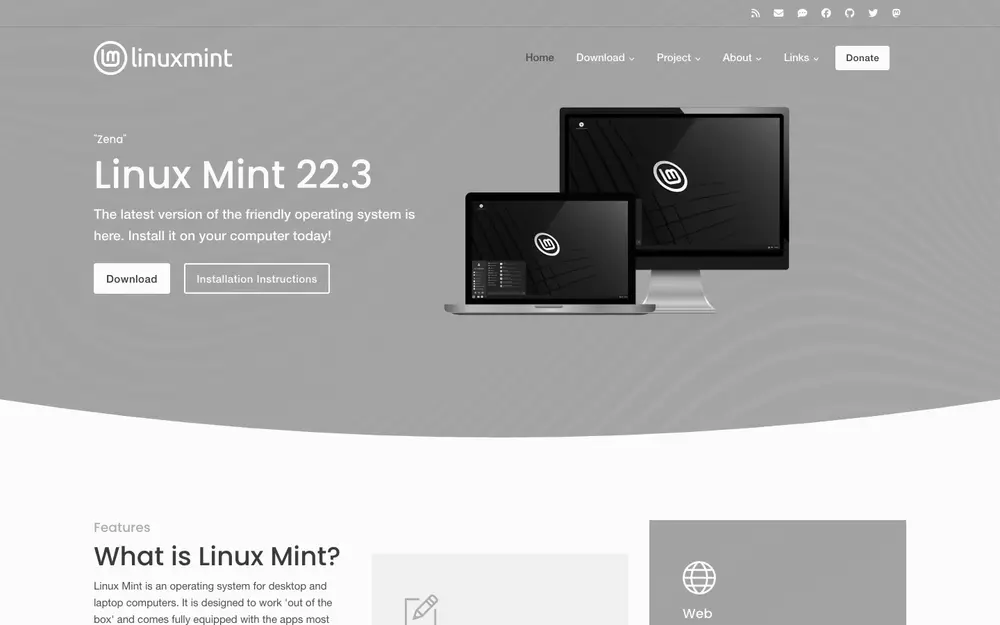
Linux Mint is still the safest recommendation for anyone coming from Windows. It’s based on Ubuntu 24.04 LTS, the current release is 22.3, and it’s supported until April 2029. Its desktop, Cinnamon, looks just enough like Windows that you won’t get lost: menu at the bottom left, taskbar, system tray.
What makes it special is that it comes finished. Multimedia codecs, an update manager that notifies you without nagging, Timeshift to roll back if something goes wrong and a driver manager that finds the NVIDIA one. It doesn’t use Snap by default, a choice many people appreciate. The next big release, Linux Mint 27, is in its final stretch with Cinnamon 6.8.
It’s not for you if you want the latest software: the base packages are those of a 2024 LTS.
Beginner: Zorin OS
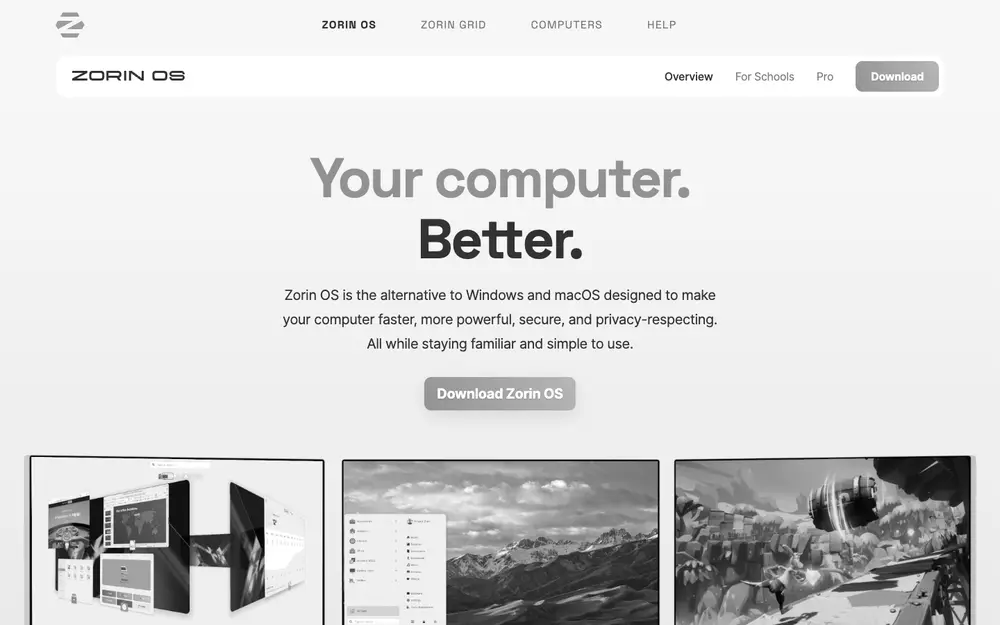
Zorin OS is the other big gateway from Windows or macOS, and the one that cares most about first impressions. Version 18 (18.1), also on Ubuntu 24.04, is supported until June 2029. Its signature feature is the layout picker: one click and the desktop mimics Windows, macOS or a classic Linux desktop.
It also helps with Windows programs: open an .exe and it suggests the Linux alternative, if there is one, or runs it with Wine. The Lite edition, with Xfce, suits modest machines. There’s a paid Pro edition with extra layouts and apps; the free one is complete for everyday use.
It’s not for you if paid editions bother you or you’d rather have a project with a bigger community behind it.
Beginner: Ubuntu
Ubuntu is the most documented distro in the world: almost any error you hit, someone has already asked about it. The one to install is 26.04.1 LTS, supported until May 2031 (until 2036 with Ubuntu Pro, free for personal use on up to five machines). 26.10 is a nine-month interim release: skip it unless you want the new features.
The desktop is a tweaked GNOME with a side dock. Manufacturers certify it on Dell, Lenovo and HP laptops, and it’s the distro much commercial Linux software is tested on.
It’s not for you if you don’t want Snap: Firefox and other apps come in that format, slower the first time they launch.
Beginner: Pop!_OS
Pop!_OS, from System76, has earned a place among gamers and developers. Version 24.04 LTS introduces COSMIC, the desktop the company wrote from scratch in Rust, with automatic window tiling you can switch on with a button. It’s supported until May 2029.
It offers an ISO with the NVIDIA drivers already included, which saves the first headache on many gaming laptops. COSMIC is young, and some details still show it, but it’s fast and keyboard-friendly.
It’s not for you if you want a desktop with years of polish and no surprises.
Intermediate: Fedora
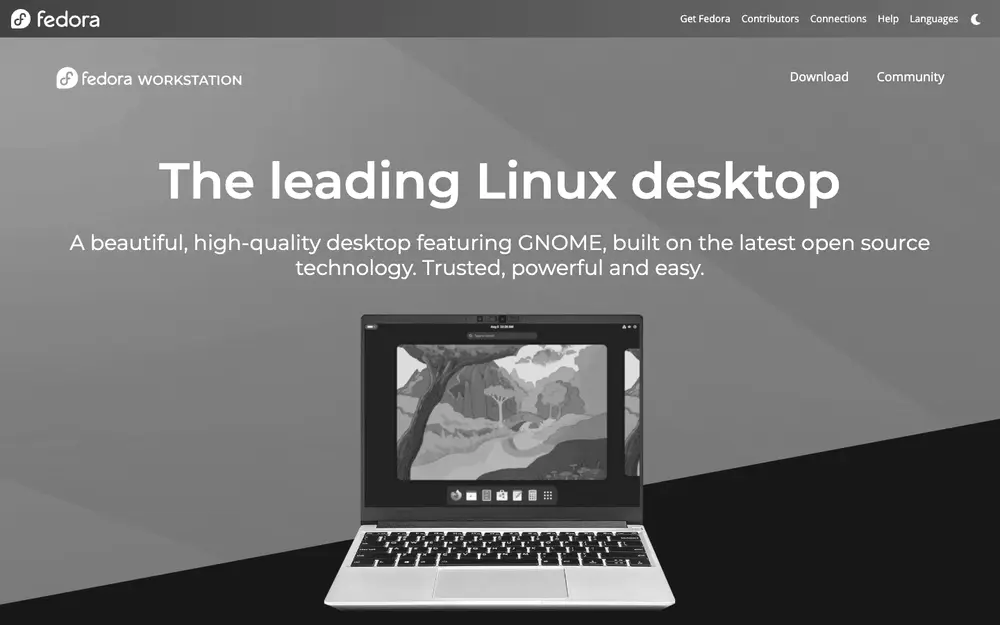
Fedora is for people who want what’s new without living on the edge. Fedora 45 came out on 3 November with GNOME 51 and Plasma 6.8, and each release gets about thirteen months of support, so you upgrade once a year. Red Hat uses it as the testing ground for what ends up in RHEL, and it shows: Wayland, PipeWire and Btrfs by default arrived here before any other major distro.
It’s the natural next step after Ubuntu or Mint: still comfortable, but it expects more of you. Codecs and NVIDIA drivers aren’t included for legal reasons; you install them from RPM Fusion in five minutes. If you like the idea of a system that doesn’t break, its atomic variants (Silverblue with GNOME, Kinoite with Plasma) are the immutable version.
It’s not for you if you don’t want to upgrade releases every year.
Intermediate: Debian
Debian is the base of Ubuntu, Mint and hundreds of other distros, and it deserves its reputation for never breaking. Debian 13 “Trixie” is at 13.7, supported until August 2028 and until June 2030 with LTS. It’s a community project with no company behind it, and its repository holds more than 60,000 packages.
These days it’s easy to install, and whatever desktop you pick arrives clean, with no extras. The trade-off is that software ages over each release’s two years, and some details, like firmware for certain Wi-Fi cards, call for a bit of know-how.
It’s not for you if your hardware came out this year: Debian’s kernel may not fully know it yet.
Intermediate: openSUSE
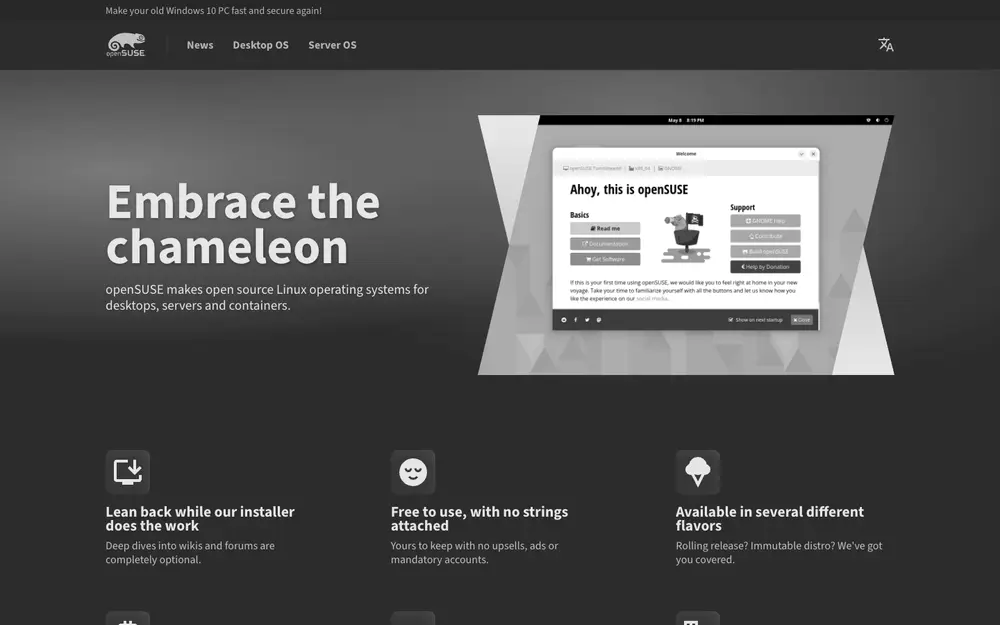
openSUSE has two faces, and both are worth it. Leap 16.1, released on 3 November with 24 months of support, is the stable one, a sibling of SUSE Linux Enterprise. Tumbleweed is a rolling release, but every batch of packages goes through openQA, an automated testing system that has earned Tumbleweed a reputation as the most reliable rolling distro.
Both use Btrfs with Snapper: a snapshot is taken before every update, and if something fails you boot the previous one from the GRUB menu. Leap 16 introduced the Agama installer and SELinux by default, and drops YaST, the configuration tool that was its trademark for two decades.
It’s not for you if you want the biggest community: there are fewer tutorials than for Ubuntu or Fedora.
Intermediate: CachyOS
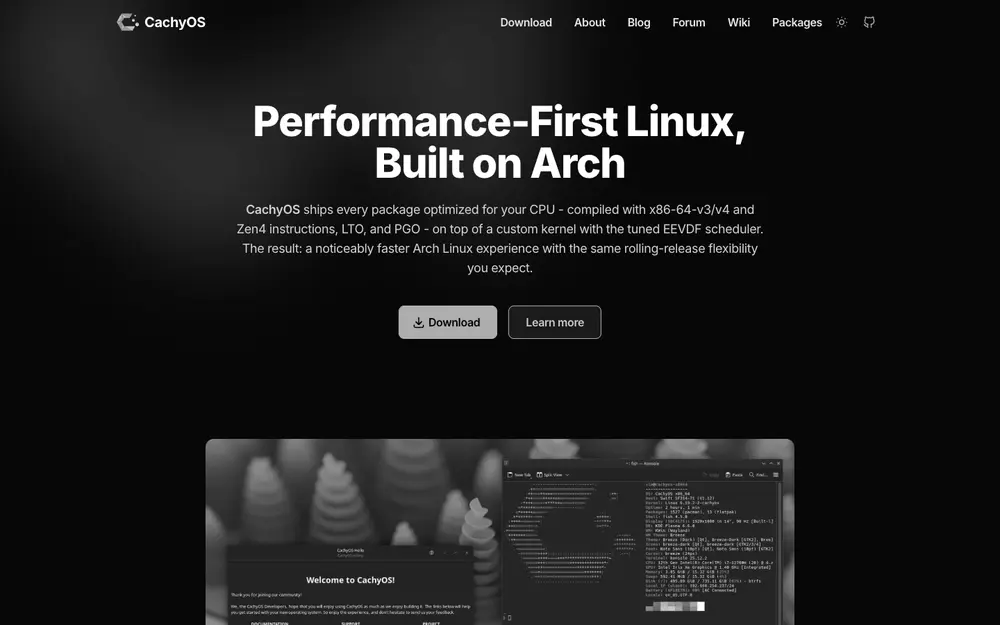
CachyOS is Arch Linux with a graphical installer and an obsession with performance. It builds its packages for the x86-64-v3 and v4 levels and for Zen 4 when the CPU allows it, with LTO and PGO, and ships several kernels with tuned schedulers. You notice it in games and builds.
It’s the most comfortable way to get the Arch repositories and the AUR without setting everything up by hand, hence its popularity with gamers. But it’s still rolling: you need to update often and read the news before you do.
It’s not for you if you want a system you can leave for months without updating.
Expert: Arch Linux
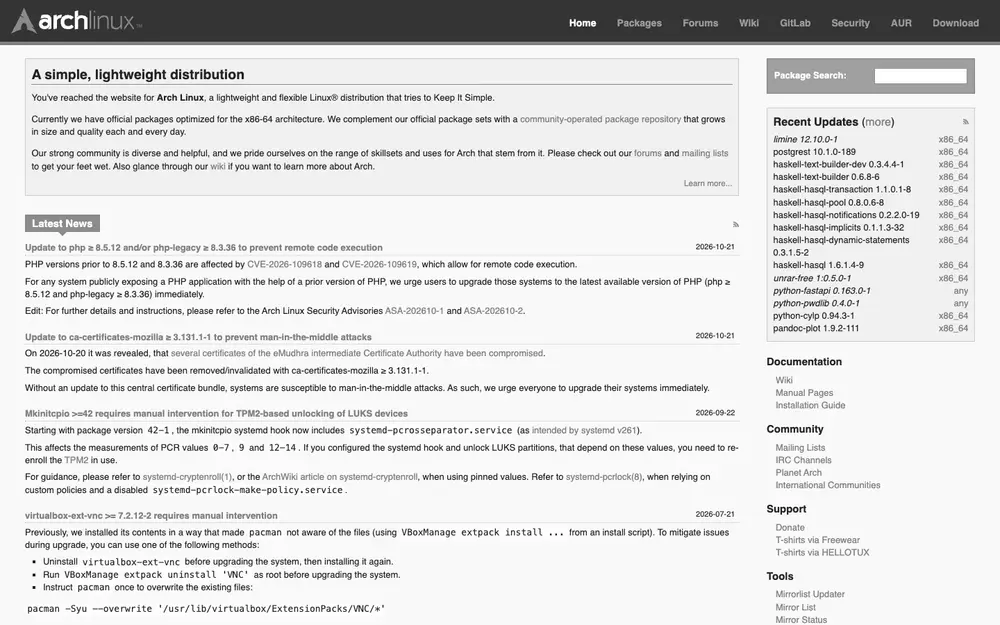
Arch Linux gives you a minimal base and lets you build the rest. It installs from a console (the archinstall helper assists but doesn’t do everything for you), works as a rolling release with pacman, and has the AUR, a community repository with build recipes for almost any program in existence.
Its great treasure is the ArchWiki, probably the best Linux documentation there is, useful whatever distro you run. In return, maintenance is on you: some updates need manual intervention, and Arch announces them on the front page of its website. Reading it before every pacman -Syu isn’t optional.
It’s not for you if you lack the time or the will to understand what each piece of your system does.
Expert: Gentoo
Gentoo compiles software on your machine with Portage, following the parameters you choose: USE flags switch features of each program on or off system-wide. You can choose between systemd and OpenRC and tune the system down to the last detail.
Since late 2023 it also offers binary packages for those who don’t want to wait for a browser to compile, which makes it far more manageable. Even so, it’s still the distro for people who enjoy understanding how a system is built. We told its story in the history of Gentoo.
It’s not for you if you value your time more than control.
Expert: Void Linux
Void Linux is independent: not Debian, not Arch, not Red Hat. It uses runit instead of systemd, its own package manager, XBPS, which is fast and simple, and offers builds with glibc and with musl, the lightweight C library Alpine uses.
It’s rolling but conservative: it doesn’t chase the latest version of everything and rarely breaks. It attracts people who want a small, understandable system without systemd, one that boots in seconds and where each service is a directory with a script.
It’s not for you if you depend on software that assumes systemd is there.
Expert: NixOS
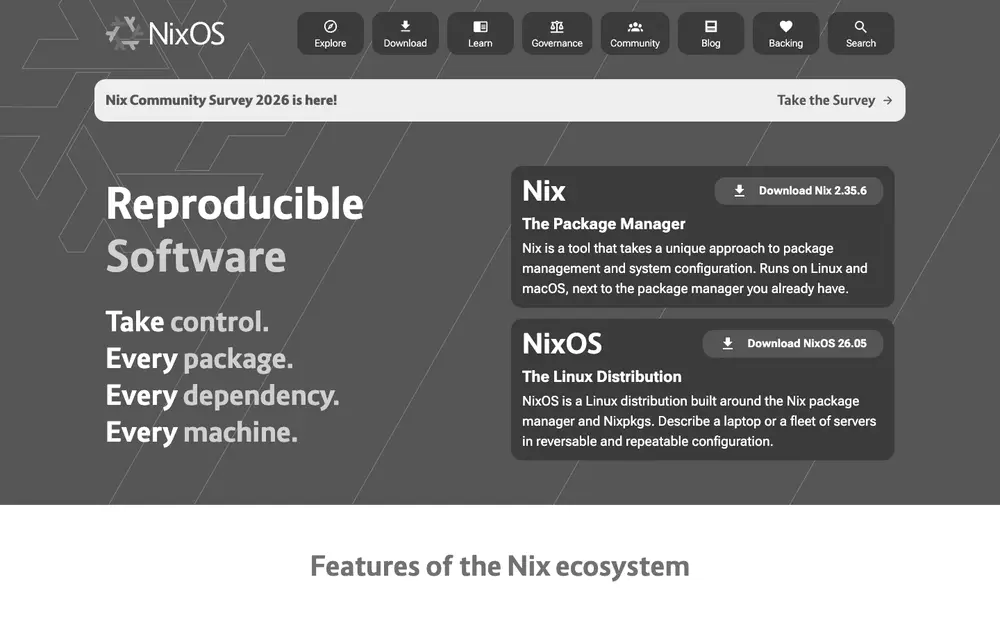
NixOS changes how you think about the system. Everything, from packages to users and services, is described in configuration files, and the system is built from them. If a change goes wrong, you boot the previous generation. If you buy another machine, you copy the files and get the same system.
The current release is 26.05, supported until 31 December 2026; 26.11 will arrive at the end of November. Its repository, Nixpkgs, is one of the largest there is. The learning curve is serious: the Nix language and concepts like flakes take weeks, not afternoons.
It’s not for you if you want to follow internet tutorials as written: almost all assume a traditional system, and in NixOS you have to translate them.
What if your PC is old?
Your level matters less than your RAM. With 2 GB or less, MX Linux (on Debian 13), antiX or Lubuntu will do better than any of the above. We compare them in depth in lightweight distros for an old PC.
The one not to start with: Kali
Kali Linux shows up in many “best distros” lists because it appears in hacking shows and videos. It’s a professional tool for security audits, based on Debian Testing and loaded with utilities you don’t need day to day. As a main system for learning Linux it’s a bad idea: it isn’t designed for that, and its own documentation says so.
The table
| Level | Distro | Base | Model | Version | Support |
|---|---|---|---|---|---|
| Beginner | Linux Mint | Ubuntu 24.04 | LTS | 22.3 | April 2029 |
| Beginner | Zorin OS | Ubuntu 24.04 | LTS | 18.1 | June 2029 |
| Beginner | Ubuntu | Own | LTS | 26.04.1 | May 2031 |
| Beginner | Pop!_OS | Ubuntu 24.04 | LTS | 24.04 | May 2029 |
| Intermediate | Fedora | Own | Fixed, yearly | 45 | 8 December 2027 |
| Intermediate | Debian | Own | Fixed | 13.7 | August 2028 (2030 with LTS) |
| Intermediate | openSUSE | Own | Fixed / rolling | Leap 16.1 / Tumbleweed | November 2028 / ongoing |
| Intermediate | CachyOS | Arch | Rolling | — | Ongoing |
| Expert | Arch Linux | Own | Rolling | — | Ongoing |
| Expert | Gentoo | Own | Rolling | — | Ongoing |
| Expert | Void Linux | Own | Rolling | — | Ongoing |
| Expert | NixOS | Own | Fixed, twice a year | 26.05 | 31 December 2026 |
Our take
The best distro is the one that stops getting in your way so you can get on with your work, and that changes over time. The usual path is to start on Mint or Zorin, discover the terminal doesn’t bite, jump to Fedora or Debian and, one day, set up Arch just to see what happens. There’s no need to rush: if your system does what you need, stay put.
And before switching, try it live. All of these distros boot from a USB stick without touching your disk, and ten minutes like that teach more than any list. If you wonder why there are so many, we explain it in why are there so many Linux distros?.
Sources: official websites and release notes of Linux Mint, Zorin OS, Ubuntu, Pop!_OS, Fedora, Debian, openSUSE, CachyOS, Arch Linux, Gentoo, Void Linux, NixOS and Kali Linux; support dates from the Free Linux distro pages, checked on 15 Nov 2026. Screenshots are of each official website’s front page, taken on 15 Nov 2026.